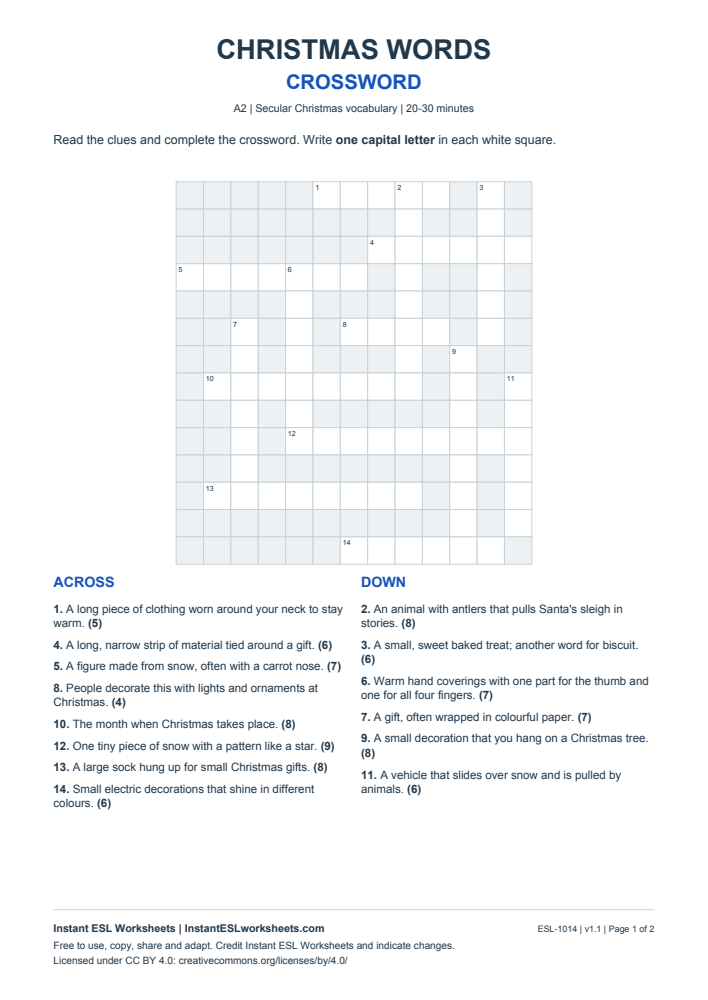
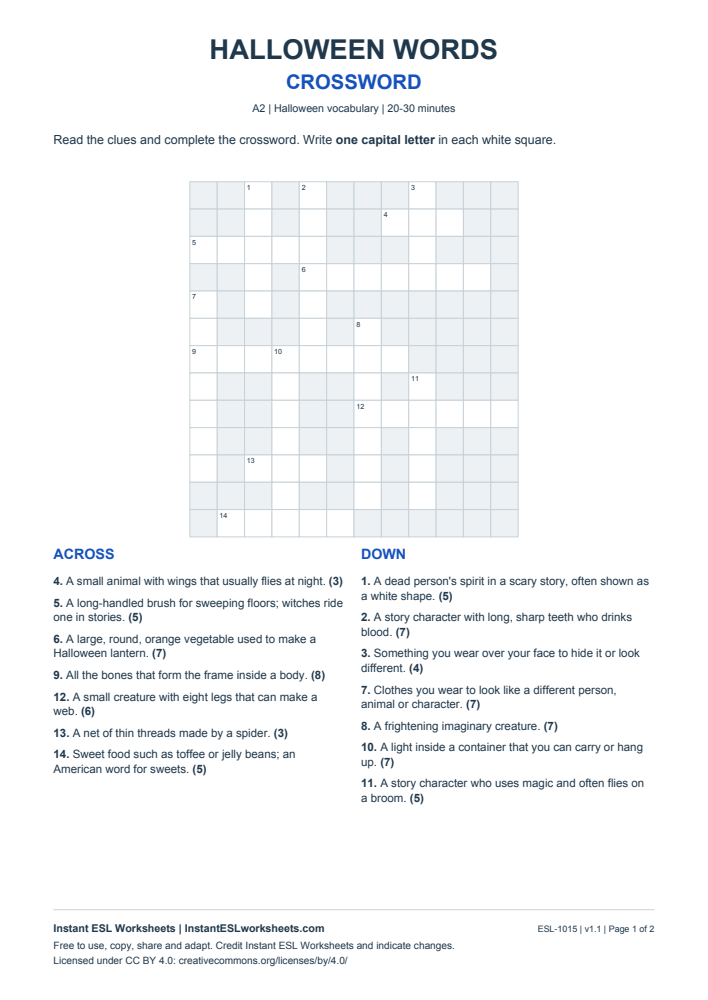
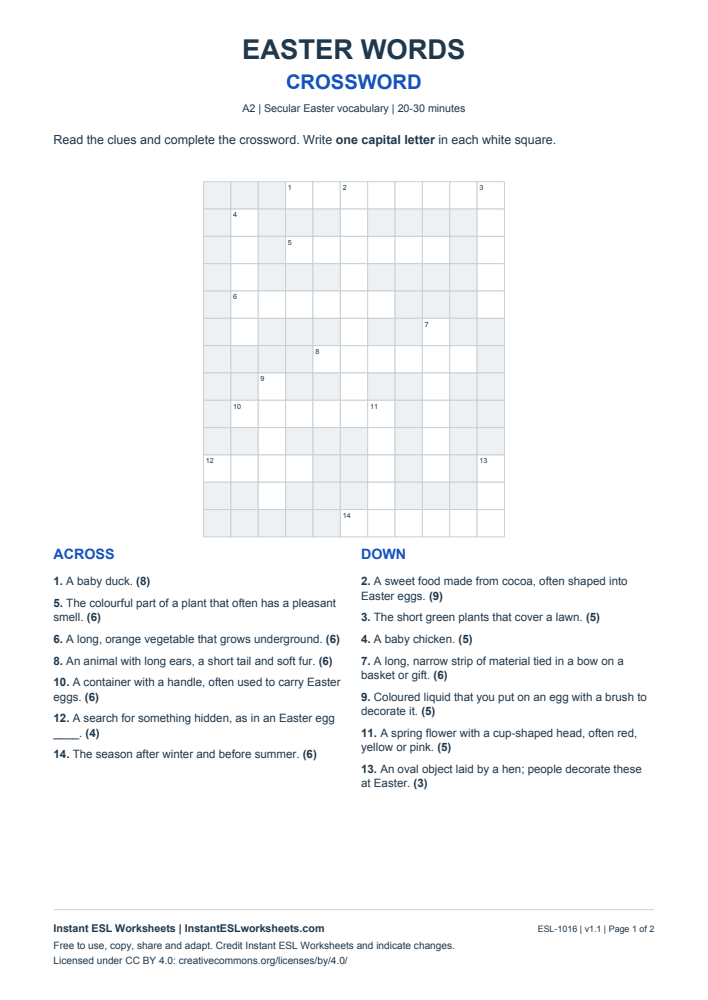
Technology - Crossword
Solve A2 clues about everyday devices and online actions. The puzzle includes charger, browser, password, download and upload, with a completed teacher key.
What’s in the worksheet?
- 14 numbered clues with letter counts
- Student crossword on page 1 and a completed grid on page 2
Name common computer and phone tools and describe what they do.
Worksheet preview
Open PDF ↗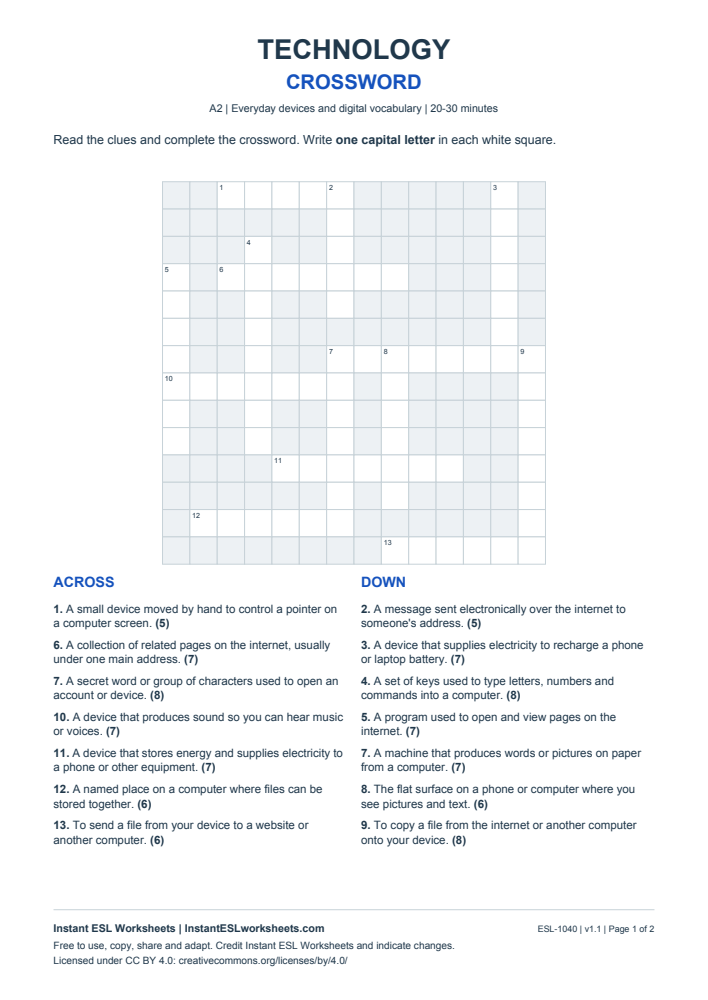
Page 1 of 2 · A4 printable PDF
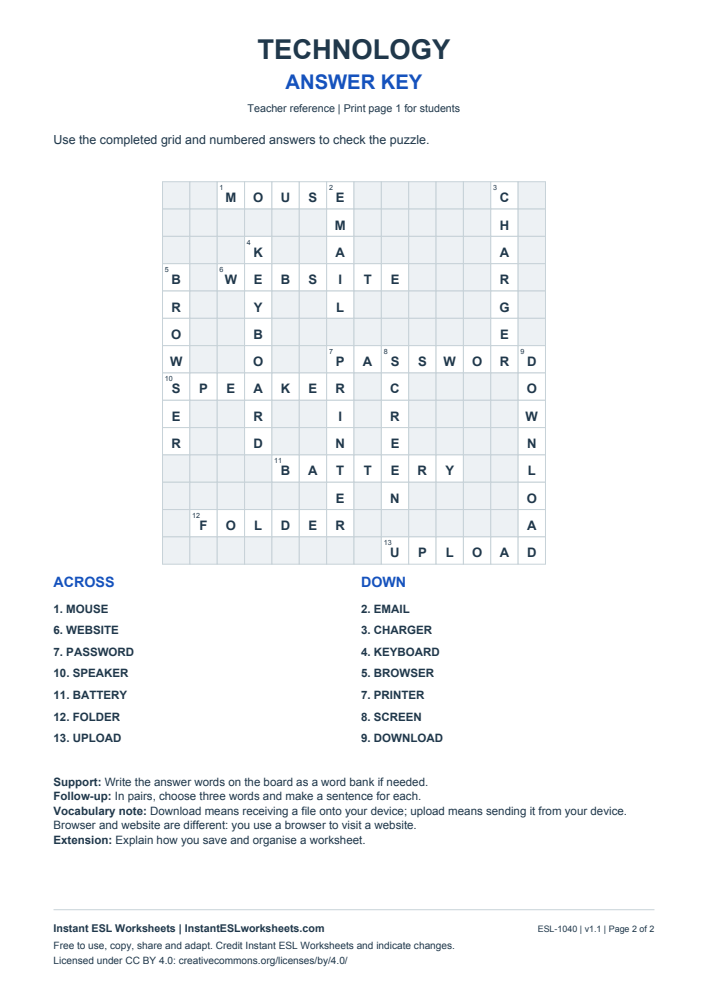
Page 2 of 2 · Answer key · A4 printable PDF
A simple way to teach it
Before the lesson
Draw a device and a website, then add arrows to show files moving in each direction.
- Have learners find clues that describe physical items before looking for software and actions.
- Pairs explain the difference between charger and battery using their clues.
- Check the grid and ask learners to use download and upload while describing a file transfer.
Support and extension
Ask learners to talk through how they save and organise a worksheet using folder, browser and one other word.
Suggested approach. Adjust the pace and number of questions to suit your class.